Previous Topic: Order Entry Functions
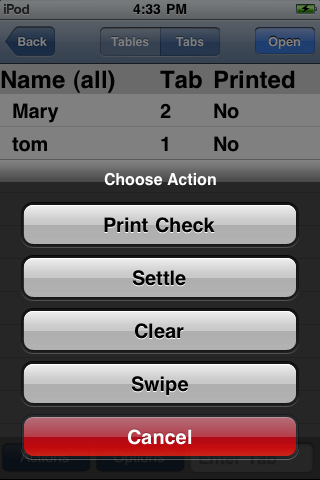
From the Table/Tab Selection screen: Select the table/tab you wish to print, touch the [Actions] button, then touch the Print button on the option list. The check will be printed on the designated check printer for the Write-On device
Choose Printer for Receipts and Credit Card Slips
The Write-On application allows you to choose the printer where guest checks and credit cards receipts will print. Example, if your Write-On device id programmed to print to Station 2 (in the middle of the Dining Room) but you are closer to the bar station, you may choose to print to the bar printer. Use the following steps to choose which device to print to:
From the Printer Selection screen you can choose: